Real dishes
Start with your own photos. Improve exposure, color, and clarity while preserving what the customer can expect.


Give the food you actually serve a clearer, more appetizing introduction online.
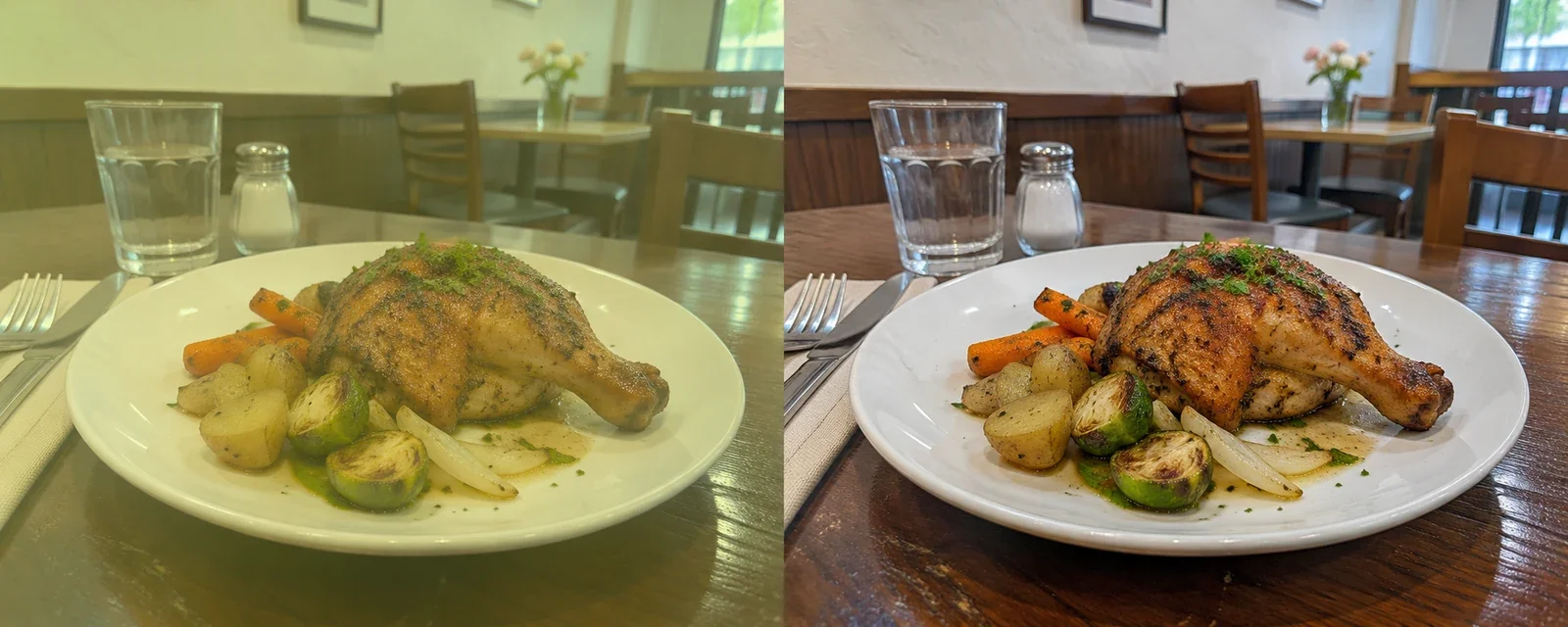
AI-created illustration for a fictional Acme business. Not a customer photo, an actual app result, or evidence of increased business. The work shown is unchanged.
Someone finds your business, checks your Google Business Profile, and opens your website. What do your photos help them understand?
Clearer photos can make your actual work, products, or space easier to assess. That is an opportunity to support enquiries and bookings—not a promise of more business.
Start with your own photos. Improve exposure, color, and clarity while preserving what the customer can expect.
Keep the original. Compare the correction, then check the full image before publishing it.
Use the Photo Usage Log to keep the source, permission records, and places you use the photo together.
Customers may research businesses through Google, ChatGPT, Claude, or other tools, then check a business website or profile. Make that next visit useful: clear photos, accurate services, current contact details, and honest information.
Photo enhancement is not a demonstrated shortcut to Google rankings or recommendations from AI assistants. These pages focus on the impression your images make when someone views them.
Photo guidance: Google Business Profile. Search context: ChatGPT search and Claude web search.
Google asks for in-focus, well-lit images that represent reality, without significant alterations or excessive filters. Check each result against the original. Don’t change workmanship, conditions, products, or the outcome shown.
For profile photos, choose faithful correction. DoPhotoStudio’s “Product on white” and “Tidy up” looks change the photo and need a different review. Generated examples should never be presented as your completed work.
Keep the original. Review the result. Publish the real story.